
Don't like that Claude Code pushes you into git worktrees? Neither do I. There is one setting that turns it off, and most people don't know it exists.
This is part 5 of a series on hidden Claude Code settings. Part 1: the terminal flicker fix. Part 2: the skills listing budget. Part 3: the session history cleanup. Part 4: remote control at startup. The original version was a tweet in Hebrew.
Why does Claude Code force a git worktree?
Some background: every background session (started with /bg, claude --bg, or from Agent View) gets a guard that blocks Edit and Write on your main checkout. Before Claude can touch a single file, it has to move into an isolated worktree under .claude/worktrees/. Not a suggestion; the guard rejects every edit until it does.
Why is that a headache?
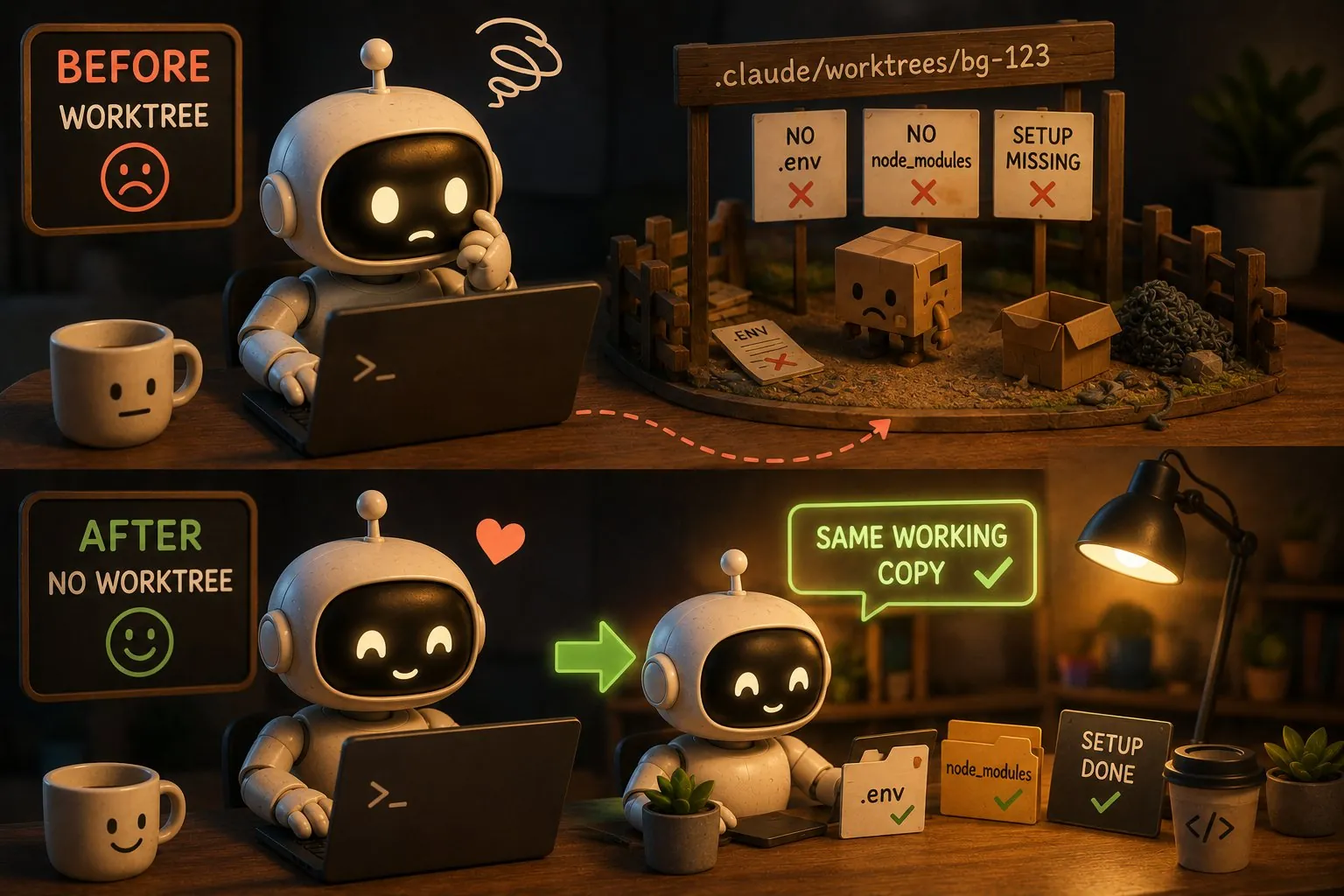
A worktree is a fresh checkout. No .env, no node_modules, the setup never ran.
In a repo with heavy dependencies, you pay that price again on every single background session. Install, configure, wait, and only then does the actual work start.
The fix: worktree.bgIsolation
In .claude/settings.json:
{
  "worktree": {
    "bgIsolation": "none"
  }
}
From now on, background sessions work directly on your working copy. No worktree, no EnterWorktree.
What exactly does this disable?
To be precise: it only turns off the automatic isolation of background sessions. And that is exactly what you need, because it is the only place in the CLI where worktrees are forced on you. claude --worktree is opt-in anyway, so if you don't want it, simply don't use it.
What is the trade-off?
Without the isolation, two parallel sessions on the same files will overwrite each other. If you run one background session at a time, there is no problem. A fleet of agents working in parallel on the same repo? Keep the default.
Found more settings worth knowing? Tell me on X. And if your team is running coding agents without anyone owning the configuration, tuning setups like this is part of what I do in AI consulting engagements.
FAQ
How do I stop Claude Code from creating git worktrees for background sessions?
Set worktree.bgIsolation to none in .claude/settings.json. Background sessions then edit your working copy directly instead of moving to an isolated worktree under .claude/worktrees/, so your .env, node_modules, and setup are already in place.
When should I keep Claude Code's worktree isolation on?
Keep the default whenever several background sessions may run in parallel on the same repository. Without isolation they share one working copy, and two sessions editing the same files will overwrite each other's changes.