
Something lighter from the Claude Code settings front, but in my eyes important and genuinely useful: remoteControlAtStartup. One line in settings, and every session you start on your machine can be picked up from your phone.
This is part 4 of a series on hidden Claude Code settings. Part 1: the terminal flicker fix. Part 2: the skills listing budget. Part 3: the session history cleanup. Part 5: disabling forced worktrees.
What does it do in practice?
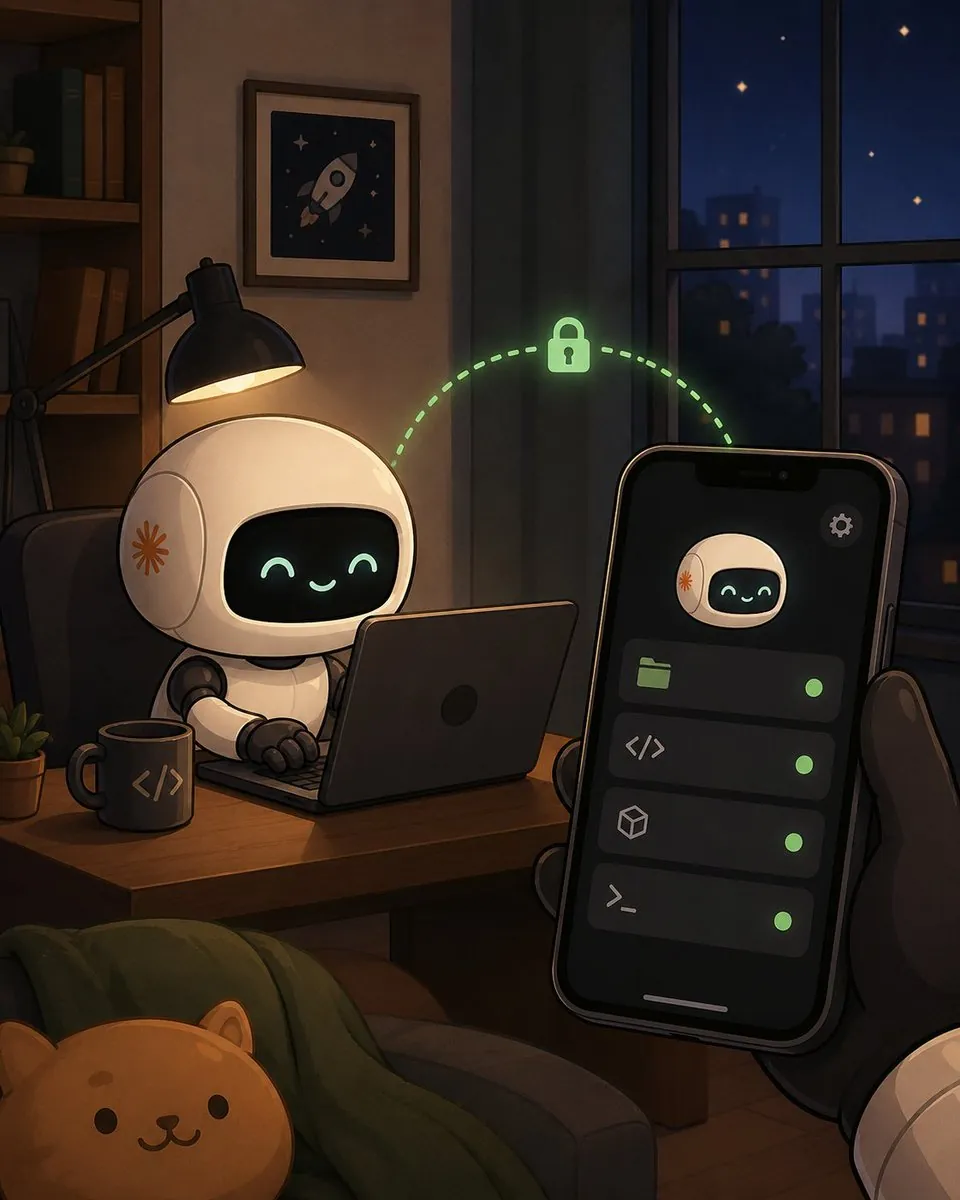
Once the setting is on, every claude you run in the terminal registers automatically as a remote session. Open the Claude app on your phone, tap Code, and all your active sessions are there, with a green dot next to each live one. No /rc. No going back to the computer.
When is that actually useful?
In general I am against continuing work from the phone, but sometimes it is useful, so why not always have the option. It costs nothing.
An example from this week: I started a long refactor at my desk, saw it was going to take a while, and went to the gym. Meanwhile I got a Telegram notification (through The Eye app I built) that the friend was waiting for an approval. Instead of him waiting an hour and a half for me, I approved from the phone, and when I got back from the gym everything was ready for my review. (The Claude app itself also pushes approval requests; The Eye is just my own layer on top.)
What about privacy and security?
Everything runs locally. The code does not leave the machine, only the messages travel over the network. Communication is outbound HTTPS only, without opening ports.
The one real trade-off: the computer must stay awake. If the machine sleeps or becomes unavailable for a while, the session disconnects. And note that this is a research preview; behavior may change between versions.
How do you turn it on?
Add one line to ~/.claude/settings.json:
{
  "remoteControlAtStartup": true
}
The setting has 3 states: true, false, or unset, in which case it inherits the organization default. Requirements:
- Version 2.1.51 or newer
- A Pro, Max, Team, or Enterprise subscription
- Login via
/login, not an API key
One caveat: it works only for terminal sessions. The desktop app and the VS Code extension currently ignore the setting (there are open bugs in the repo), so there you still need a manual /remote-control per session.
Agents that keep working while you are away, and reach you only when they need a decision: that is the entire promise of this way of working, condensed into one setting.
This async pattern, long-running work that pings a human only at decision points, is exactly the operating model I design for teams building production agent systems.
FAQ
Does remote control send my code to the cloud?
The session runs locally and the code does not leave your machine; only the messages travel, over outbound HTTPS with no open ports. The real trade-off is that the computer must stay awake: if the machine sleeps, the session disconnects.
What are the requirements for remoteControlAtStartup?
Claude Code 2.1.51 or newer, a Pro, Max, Team, or Enterprise subscription, and login via /login rather than an API key. It currently applies only to terminal sessions; the desktop app and the VS Code extension still need manual /remote-control per session.