
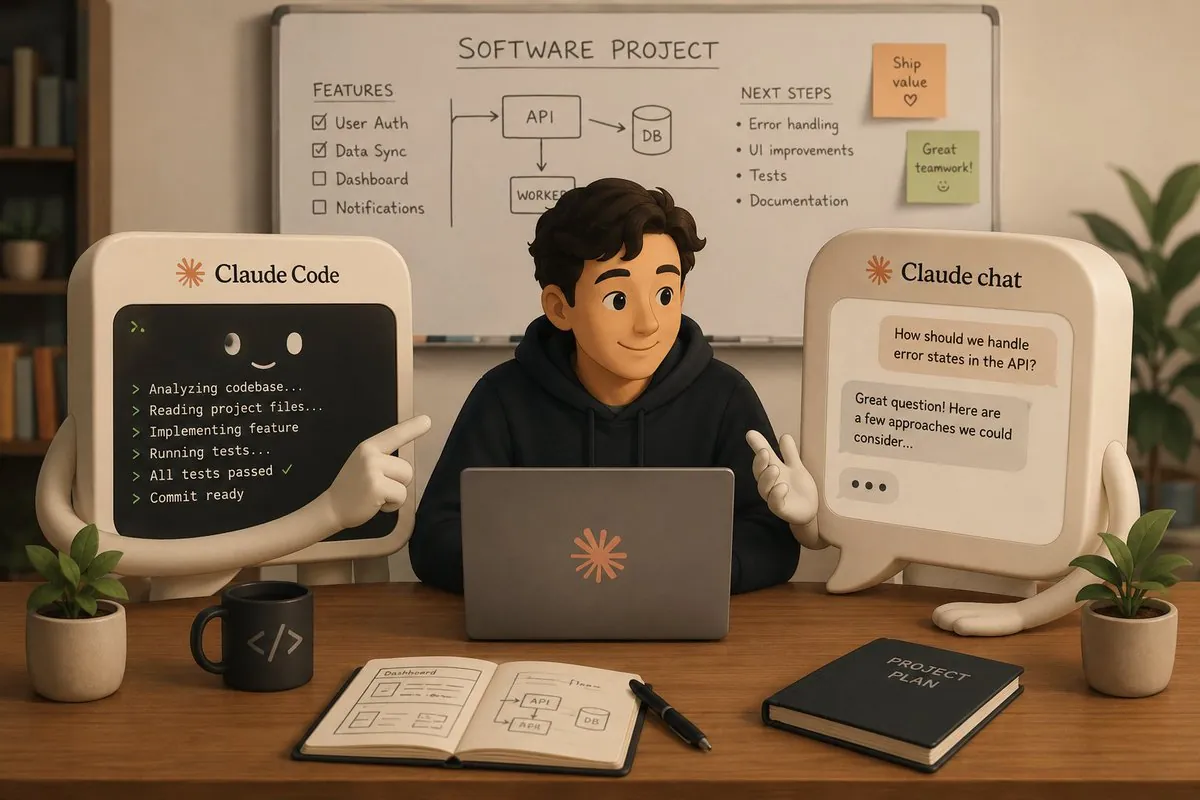
For the last two weeks I have been working on a project with a company from London, and I decided to try a slightly different workflow with Claude Code. The short version: planning lives in a Claude chat project, execution lives in Claude Code, and every stage passes through both. The quality of the output jumped significantly.
Stage one: a build spec born from a long conversation
First I created a project in Claude (the chat, not code) containing the contract, the project scope, and the sample documents the client provided. Then I had a long conversation with it about every aspect of the project: logging, deployment, tech stack, requirements, all of it.
At the end of that conversation it produced a super detailed document we called build_spec.md: the entire plan of the project, broken into clear build stages. That document went into the project files and also into the Claude Code directory, so both layers share the same source of truth.
Stage two: a prompt per stage, a review per stage
Next I talked with Claude about stage 1, we broke it down further, and Claude wrote me a super detailed prompt for it. I pasted that prompt into Claude Code and sent it off to work. When Claude Code finished, I took its summary back into the chat and analyzed it with Claude. And so on, stage after stage:
- Discuss the next stage with Claude in the chat
- Get a prompt more detailed than I would ever write by hand
- Send Claude Code to work
- Review the result with Claude in the chat
Every stage gets a prompt I would never have written myself, and a review I would never have had time for.
Is the overhead worth it?
It spends more tokens, and it slightly slows the pace of work. But the quality of what comes out has jumped visibly. There are almost no mistakes and almost nothing that later turns out not to work properly. There is also a double control loop: sometimes Claude Code catches a corner case, sometimes the chat review catches it. Two different contexts looking at the same work miss much less.
A few days after this post I added a third layer to the loop, a second model doing independent code review. That step got its own post. If you want help designing a development workflow like this for your own team, that is exactly what I do in AI consulting engagements.
Does anyone else work like this? I am genuinely curious what others do differently.
FAQ
Why separate planning from execution when working with AI coding agents?
The chat layer holds the full project context: contract, scope, requirements, and every past discussion. It writes far more detailed prompts than I ever would by hand, and it reviews each stage summary against the plan. The coding agent stays focused on one well-specified stage at a time, which is where it performs best.
Does the two-layer workflow cost more tokens?
Yes, and it also slows the pace a little. In exchange, the output quality jumped visibly: almost no surprises, almost nothing discovered broken later, and a double control loop where either the chat review or the coding agent itself catches the corners. For client work that trade is easy.