
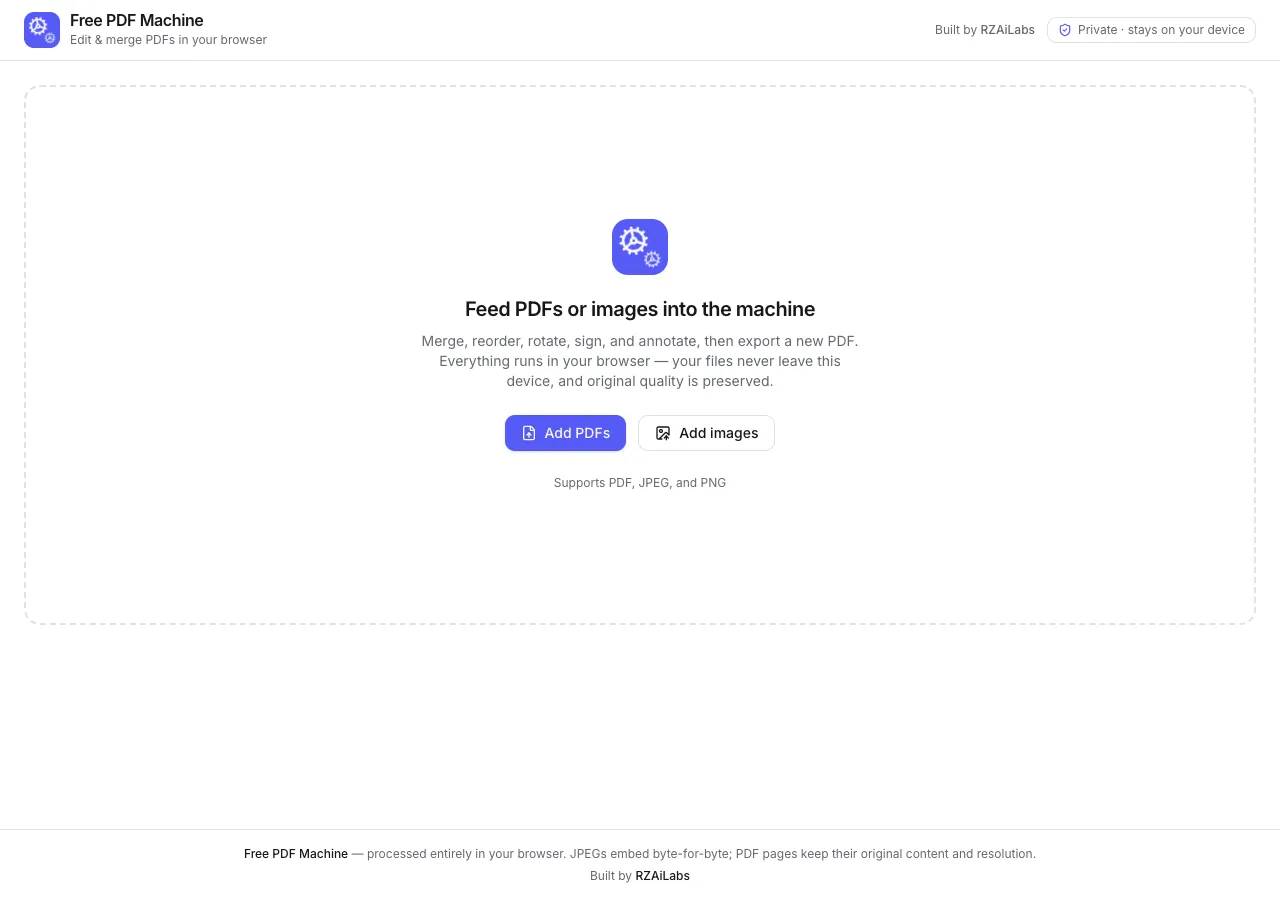
A few days ago I was horrified to discover that my wife pays a monthly subscription to a shady site just to do basic operations on PDF files: merge two documents, rotate a few pages, delete the ones she does not need, and export a clean new file. So I opened Claude Code, described the tool I wanted, and about 15 minutes later a working replacement was live on Netlify. It is completely free, it runs entirely in the browser, and it now lives at freepdfmachine.com.
What was she actually paying for?
Around $12 a month, for operations that have been solved problems for a decade: take two PDF files and merge them, rotate some pages, throw away the pages nobody needs, export the result. That is the entire workflow. No OCR, no conversion, nothing exotic.
And she is not careless with money. She searched for a PDF tool, landed on a polished site that looked legitimate, and it asked for a credit card. That is the actual business model of a surprising chunk of the PDF tools market: wrap trivial functionality in a paywall and outrank the genuinely free alternatives.
How do you build a PDF editor in 15 minutes?
When someone in the replies asked what I built it with, my full answer was: "Claude Code. A few prompts and it was live." That really was the whole process. I described the operations my wife needed, let Claude Code build a small static web app that does all the processing client-side, and deployed it to Netlify. Fifteen minutes from understanding the need to a working site.
Of course, appetite comes with eating. The moment it worked she came back with a whole wishlist, and the reply section added more. But hey, I am saving $12 a month.
"There are already free tools for that"
The thread passed 60,000 views and the replies filled up with alternatives: PDFgear, iLovePDF, PDFsam, Smallpdf, PDF24, Google Drive's built-in scan-to-PDF, macOS Preview, even "download GIMP, edit the pages as layers, export to PDF". All fair suggestions, and all missing the point in three specific ways.
- Discovery. The genuinely free tools are buried in search results under dozens of paid lookalikes, which is exactly how my wife ended up subscribed. When I checked one of the recommended "free" sites, the button on its homepage said "Start free trial".
- Fit. One of the most recommended tools renders Hebrew text reversed. macOS Preview covers most of the workflow, which I only learned from the replies as a recent Mac convert, but my wife is on Windows.
- Trust. Several people asked the right question: when you upload a contract or a medical document to a random free PDF site, where does that file actually go?
A tool you build yourself solves all three at once. You know where it is, it does exactly what you need and nothing else, and you know precisely what happens to your files.
Where do the uploaded files go? Nowhere
This was the most common question in the thread, and the answer is my favorite part of the design: there is no server side at all. Every operation runs locally in your browser. Files never leave your device, which also means no upload limits, no processing queues, and no quality loss: pages keep their original content and resolution.
What does the tool do today?
Two days after the first version I shipped an update based on the wishlist. The current feature set:
- Merge, reorder, rotate, and delete pages: the original workflow, plus importing JPEG and PNG images as pages.
- Signatures: add several, and it remembers them so you do not draw your signature from scratch for every document. Useful when a form needs a full signature plus initials.
- Highlighting: select text and highlight it, with a choice of colors.
- Text boxes, including proper Hebrew support (a surprising number of PDF tools output Hebrew reversed).
- Images: place an image on any page.
- Page size normalization: when a document mixes portrait pages with large landscape images, everything scales to a sensible uniform size.
- Every element you add can be freely repositioned.
The tool also has a permanent home on this site: the Free PDF Machine project page.
The real point: build your own tools
My original goal was never to compete with the PDF tools market. It was to show that building a small, personal tool tailored exactly to your need is now a 15-minute activity, not a weekend project. Yes, existing tools cover most of it, some free and some paid. That is not the point. I come from this world, so it is easier for me, but anyone can do it, and it gets easier every single time you try.
If one person out of the tens of thousands who saw the thread goes and builds something of their own, my goal is achieved.
This is the same pattern I see with clients at a much bigger scale: the highest-value software is rarely the big platform, it is the small tool shaped exactly like your workflow. That is what I do in business app development, and the working style behind it is the one I described in letting Claude lead app design and my AI development setup.
If you want to build your own tool and are not sure how to start, reach out and I will do my best to help and point you in the right direction. The original threads (in Hebrew) are here: the story and the update.
FAQ
Is Free PDF Machine really free?
Yes. No subscription, no signup, no upload limit, no watermark. It is a static site that runs entirely in your browser, so hosting costs almost nothing and there is nothing to charge for.
Where do my PDF files go when I edit them?
Nowhere. There is no server side at all: files are processed locally in your browser and never leave your device. Pages keep their original content and resolution.
Do I need to be a developer to build a tool like this?
It helps, but less than you think. I described the tool to Claude Code in a few prompts and deployed it to Netlify in about 15 minutes. It gets easier every time you try, and if you are stuck, reach out and I will point you in the right direction.